 ASTERION
A clear starting point
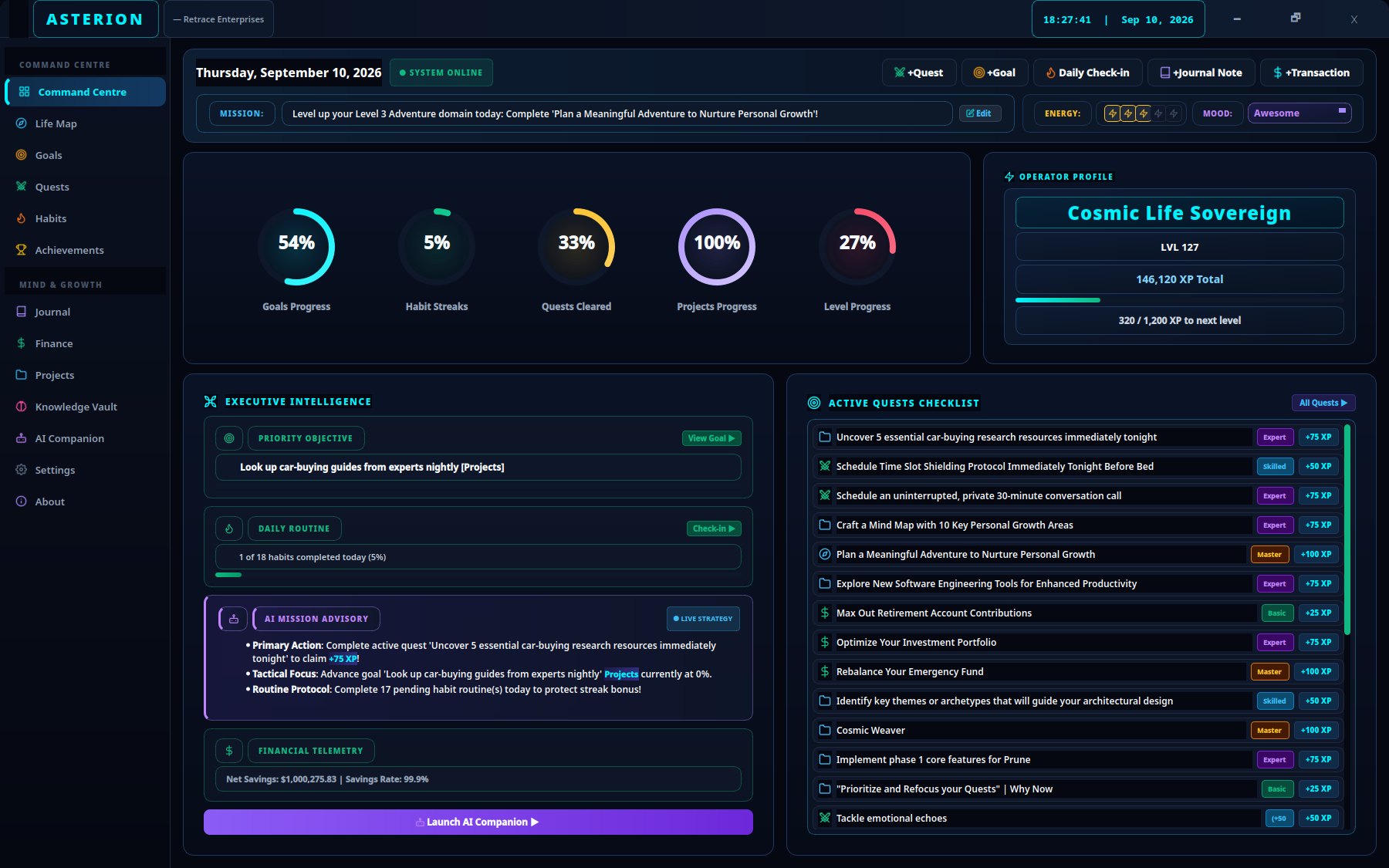
Choose a daily mission, check your energy and see your active quests before deciding what to tackle.
Plan your day →A calmer place to plan, build habits and see your progress. Asterion brings your everyday life together in one local app.
Start on Fedora KDE. Add Ollama AI if you want it.
From a 20 minute reading habit to a project you’ve wanted to finish. Start with the next useful step.
Choose a daily mission, check your energy and see your active quests before deciding what to tackle.
Plan your day →Break work into quests. Check in on a habit. Use XP, streaks and achievements to make progress visible.
Keep project progress, reading notes and a journal in the same app, ready for your next session.
Organise a project →Life Map gives your goals and quests a home across nine areas of life. Notice where you’re making room for learning, health, creativity and the people around you.
A “personal operating system” for productivity. Asterion is an application, not a Linux distribution.
Explore all twelve screens →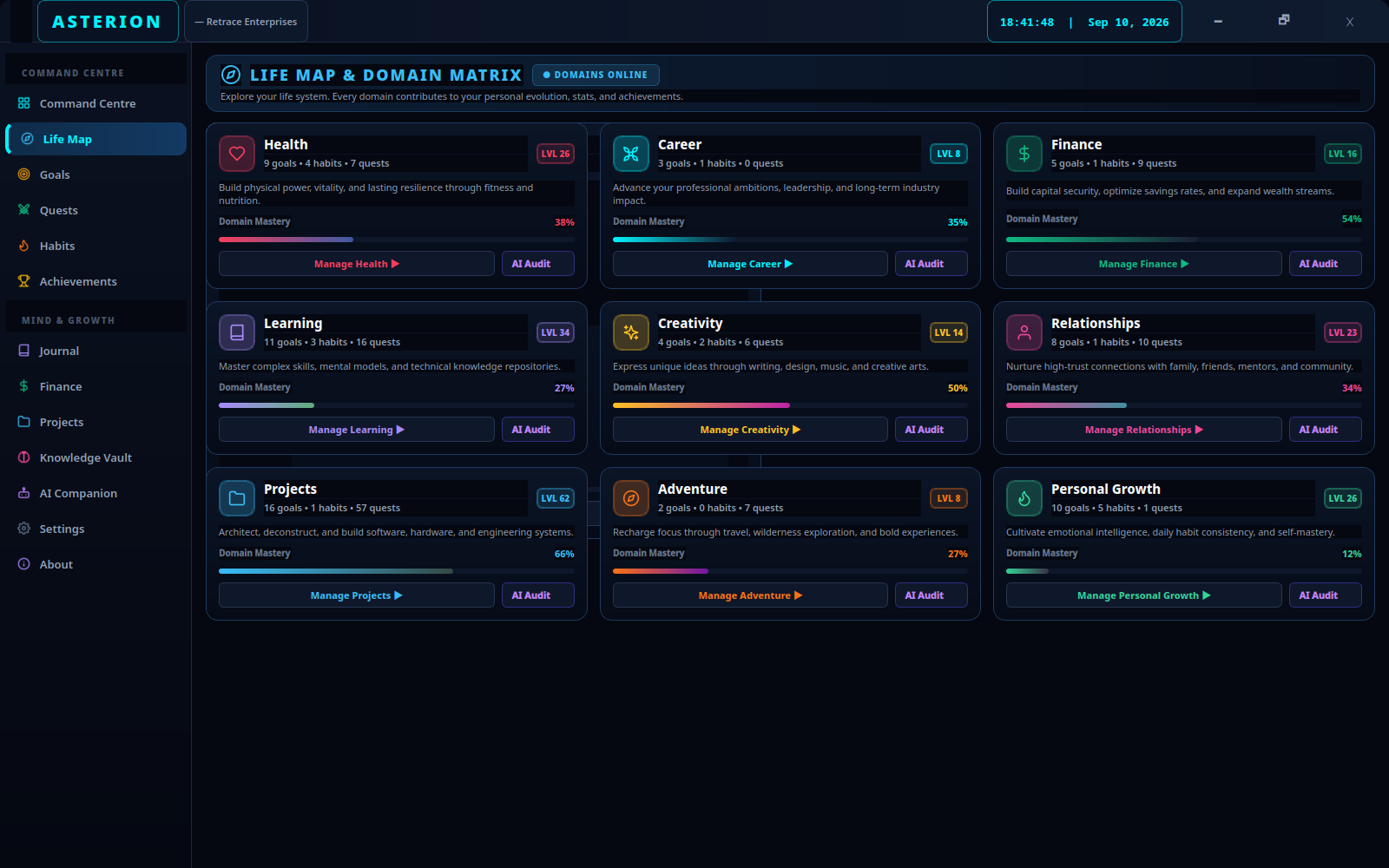
Follow the Fedora guide to prepare Python, launch Asterion and add a working desktop shortcut.
Set “Complete a learning project” as your mission, then create a quest for the first small step.
Claim the quest when you finish. Write down what helped and choose where to pick up tomorrow.
Ask the AI Companion to break a goal into manageable steps. Connect a local Ollama model for AI generated responses, or use the built-in rule-based companion.
The companion will read context from your 9 life domains. You can review what data it receives before connecting.

One clear mission. One small step.
One place to come back to.